Modbus TCP Server
Note: Modbus TCP Server is only supported on TKG (gateway running TKL) and TKE (edge server) deployments. The cloud platform does not support this feature.
ThinkLink's built-in Modbus TCP Server exposes device telemetry data and attributes as Modbus registers, allowing SCADA, HMI, and other industrial systems to read live IoT data over the standard Modbus TCP protocol. Bidirectional control is also supported: when a third-party system writes to a register, ThinkLink can automatically trigger a bound RPC to send a command back to the downstream IoT device.
Data Flow
ThinkLink device reports telemetry / attribute change
        ↓
Modbus registers auto-update
        ↑ (read registers)
SCADA / HMI / PLC (Modbus TCP Client)
        ↓ (write registers)
ThinkLink triggers bound RPC → sends command to IoT device
Configuration Steps
Step 1: Start the Modbus TCP Server
- Go to System Services
- Find the Modbus TCP Server entry and open its settings
- Enter the listening port (default: 502) and the owning tenant
- Click Start
Note: Only one Modbus TCP Server instance can run per tenant. At any given time, only one tenant's service can be in RUNNING state. To serve multiple tenants simultaneously, start a separate service instance for each tenant (on different ports).
Step 2: Enable Modbus Mapping on a Device
Open the target device's configuration in Device Management:
- Switch to the Basic Info tab
- Set the
modbus_tcpswitch toTRUE - Save the device configuration
Only devices with modbus_tcp enabled will have their data mapped into the register address space.
Step 3: Configure Register Mappings
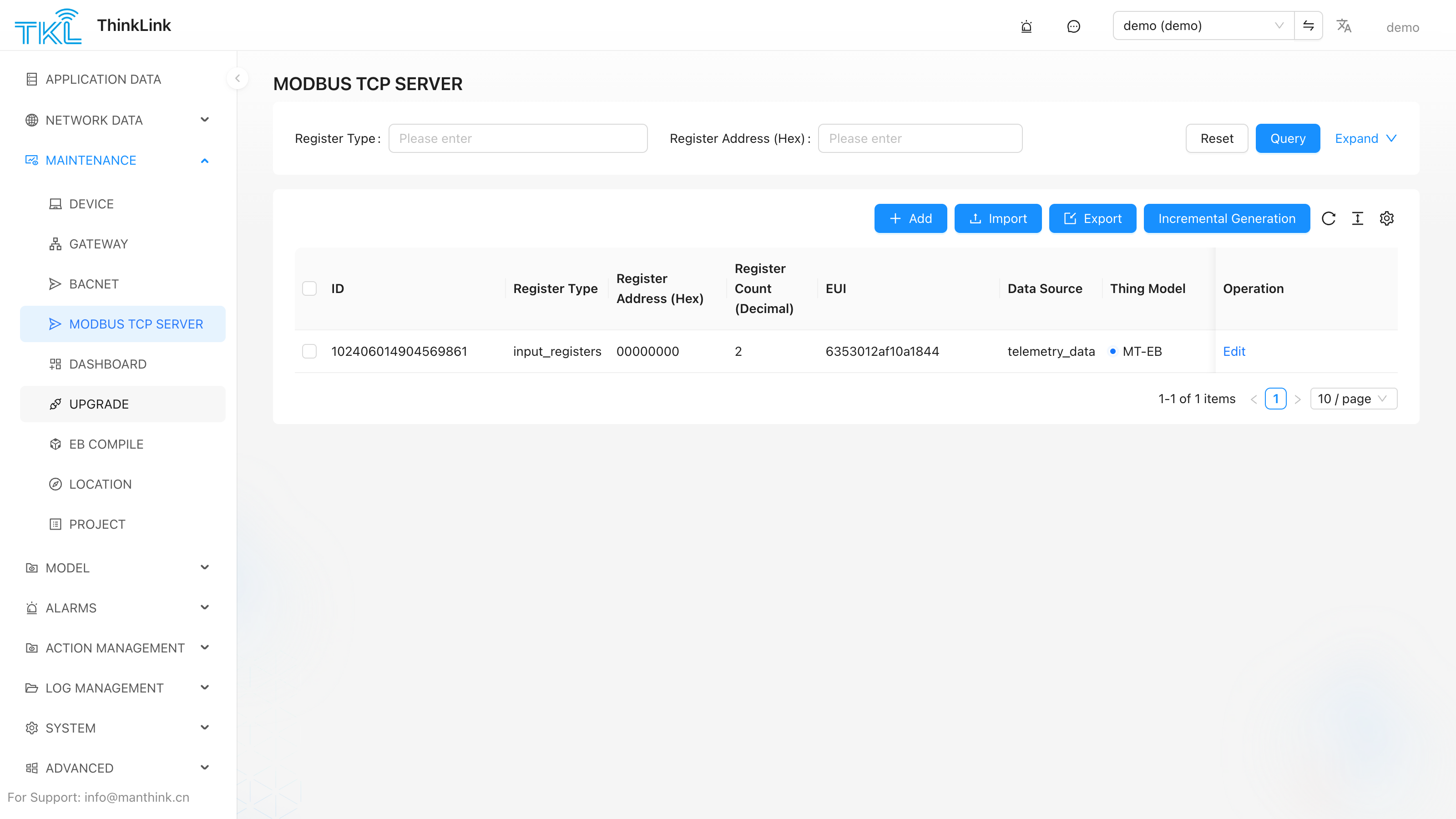
Go to Maintenance → Modbus TCP and open the register list. Add mapping entries for each enabled device:
| Field | Description |
|---|---|
| Device EUI | Select the target device whose data you want to map |
| Register type | coils (1-bit read/write) / discrete_inputs (1-bit read-only) / holding_registers (16-bit read/write) / input_registers (16-bit read-only) |
| Register address | Hexadecimal address; ThinkLink automatically detects conflicts within the same register type |
| Data source | Which device data source to map: telemetry_data / shared_attrs / server_attrs |
Field path (name_path) | The specific field name; supports dot-notation for nested paths, e.g. temperature, sensor.value |
| Value type | boolean / string / number |
| RPC binding | Optional. When bound, a Modbus write to this register automatically triggers the specified RPC to send a command to the device |
Read / Write Behavior
Reading (Client reads from ThinkLink)
- ThinkLink returns the current value of the mapped device field
- Values update automatically after each device uplink — no additional polling configuration needed
Writing (Client writes → ThinkLink → device)
- A write is only actionable if the register has an RPC binding
- ThinkLink receives the write, then calls the bound RPC using the written value as the parameter
- The RPC dispatches the command to the device via LoRaWAN or MQTT
Typical use: a SCADA system writes a
holding_registerto change a device's sampling interval. ThinkLink triggers the "Set Sampling Interval" RPC and pushes it down to the device.
Export / Import Register List
The Modbus register list (address mapping table) can be exported to Excel for delivery to third-party system integrators, and can also be imported from Excel for bulk configuration.
- Click "Export" on the register list page to download the full mapping
- Modify as needed, then click "Import" to batch-write back (existing entries with the same ID are overwritten)
Before deployment, the register list is typically handed to BMS/SCADA integrators so they can configure their Modbus Client point addresses. The exported file includes object type, address, name, description, data type, unit, and read/write permissions.
Related Pages
- Configure BACnet fields in a thing model → BACnet
- Enable
modbus_tcpon a device → Device Management