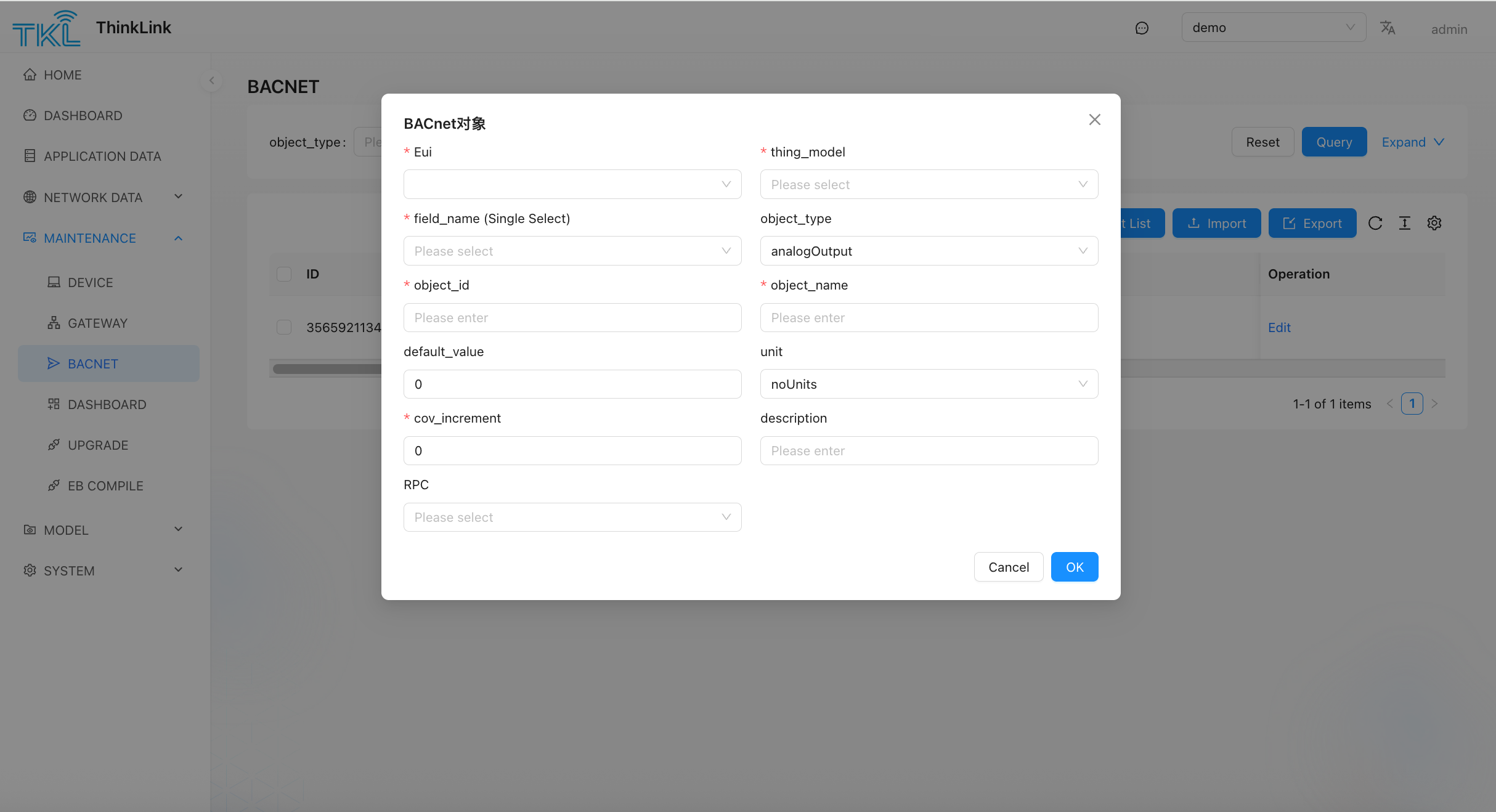
1. BACnet
Note: BACnet functionality is only supported on TKG (gateway running TKL) and TKE (edge server), the cloud platform does not support BACnet.
If the user's BMS (Building Management System) requires formal deployment, a standard BACnet point list file typically needs to be provided to facilitate system integration and commissioning. Before generating the BACnet point list, BACnet fields must be configured in the thing model. Please refer to Section 7.1 for relevant descriptions about BACnet fields.
- Enter operation and maintenance management → BACnet module.
- Click incremental generation button.
- Select the target in the pop-up window object Model.
- After confirmation, the system will automatically generate the table information of all BACnet fields under the corresponding model.
The generated table contains key information such as object type, object instance number, object name, attribute description, data type, company, read and write permissions, and can be delivered to third-party systems for docking.